

The conversation around AI in software development is dominated by big numbers and bold claims. According to Sonar’s Developer Survey 2026, AI now accounts for 42% of all committed code globally, and that figure is expected to reach 65% by 2027.
But behind the headline figures sits the real question: what does responsible AI-accelerated development actually look like day-to-day?
At KRS, our senior developers now use AI for the majority of their code generation, documentation, and specification work. But it only works because of the three rules that govern how AI gets used at KRS:
- Every line of AI-generated code is reviewed before it ships
- Every project runs test-driven development
- AI does not touch infrastructure
In this blog post, Justin Engle, senior software developer at KRS, shares what AI-accelerated development looks like in practice, the tools he uses, why review is non-negotiable, and where AI actually changes the work for experienced developers.
Trust the Tools, Stay in Charge
I use AI for close to 99% of my code generation, documentation, specification, and research work. It doesn’t mean I’ve stopped engineering, or that I trust the output blindly. And it doesn’t mean AI is deciding what ships. I trust the tools, but keep them in their lane. I’m still the one in charge.
My main tool is Claude Code, as it’s been the most productive AI coding tool I’ve used. I also use GLM 5.1 when I don’t want to burn through Claude tokens. It’s surprisingly good for the price, and I’ll reach for it on lower-stakes work or when I’m doing something exploratory.
The tool you choose matters less than how you use it. But for anyone setting up an AI-accelerated workflow, those are the two I’d start with.
Why Code Review Is the Foundation of AI-Accelerated Development
The same Sonar survey found that while 96% of developers say they don’t fully trust AI output, only 48% always verify it before committing.
That’s the gap. Adoption is racing ahead of oversight, and that’s where reliability problems begin.
Further analysis found that AI-coauthored pull requests carry roughly 1.7 times more issues than human-written code. Skipping review saves time in the moment, but it costs more later, when problems are harder to find and more expensive to fix.
At KRS, every line of AI-generated code is reviewed before deployment, and how that review happens depends on complexity.
For simple tasks, I’ll let the agent commit directly on the branch. For more complex work, I review and commit only once I’m happy with it. The scrutiny scales with the stakes.
How TDD Changes When AI Writes the Code
Test-driven development isn’t new. What is new is what it does for you when AI is generating the code.
Every feature at KRS has tests describing expected behaviour before AI writes any production code. The tests aren’t a quality check applied after the fact. They’re the specification AI works from.
The Red, Green, Refactor cycle has become genuinely satisfying with AI. The tests act as a safety net that makes AI-accelerated development both fast and trustworthy.
When you define expected behaviour upfront, review becomes confirmation instead of discovery. That changes how you spend review time.
How I Actually Catch Bad AI Output
The trust I have in AI isn’t blind. It’s earned through specific mechanisms. If the work is visual, it’s obvious whether the output is right or wrong. You see it on the screen.
If the work is backend, TDD catches it. Tests describing expected behaviour will flag broken implementations before they get anywhere near production. And when the output is genuinely way off, it’s almost always because I didn’t provide enough information in the prompt, so I fix the input.
Why AI Doesn’t Touch Infrastructure
Errors in infrastructure don’t stay contained. They propagate across systems and affect paying customers in ways that are difficult to reverse. That’s why the third rule exists.
I’ve had an agent run SSH commands to set up a TinyProxy server on personal projects. In production, it feels unsafe.
This caution is grounded in recent industry experience. In March 2026, Amazon suffered two separate outages within three days, both traced to AI-assisted code changes deployed without proper approval. Amazon responded with a 90-day code safety reset across its critical systems, requiring senior engineer signoff on all AI-assisted code changes before deployment.
The boundary at KRS is simpler. AI generates code. Engineers handle infrastructure.
How AI Changes the Way You Think About Architecture
The consequence of taking the wrong approach code-wise is negligible now, because you aren’t spending eight hours manually rewriting. The whole process feels much more agile.
When the cost of trying something is low, you try more things. You explore alternatives instead of locking in early. Plans can be questioned, thrown out, and rebuilt without losing a day. You end up thinking about the system more than the code.
This is also why I think people who over-specify their prompts are missing the point. Don’t be overly specific. Let it suggest and try things. Some of the best output comes from giving the AI room to surface options you wouldn’t have prompted for.
Where Senior Developers Spend Their Time Now
The bigger shift from high AI usage isn’t how fast code gets written, but what I now get to spend my time on.
You can brain-dump your requirements and get a picture of what’s there really quickly, even on legacy systems. You get a plan, you can question the plan, and you spend more energy thinking about what’s missing or what wasn’t thought of. You end up thinking about the system more than the code.
You do need a good grasp on the infrastructure and what’s possible with your tech. But otherwise, it’s a much better experience.
The same applies in unfamiliar codebases. You can ask the codebase questions and actually get answers. Instead of tracing files and dependencies by hand, you surface context in minutes.
The work has shifted from typing toward thinking. For most senior developers, that’s the part of the job they always wanted more of.
What This Means for Junior Developers
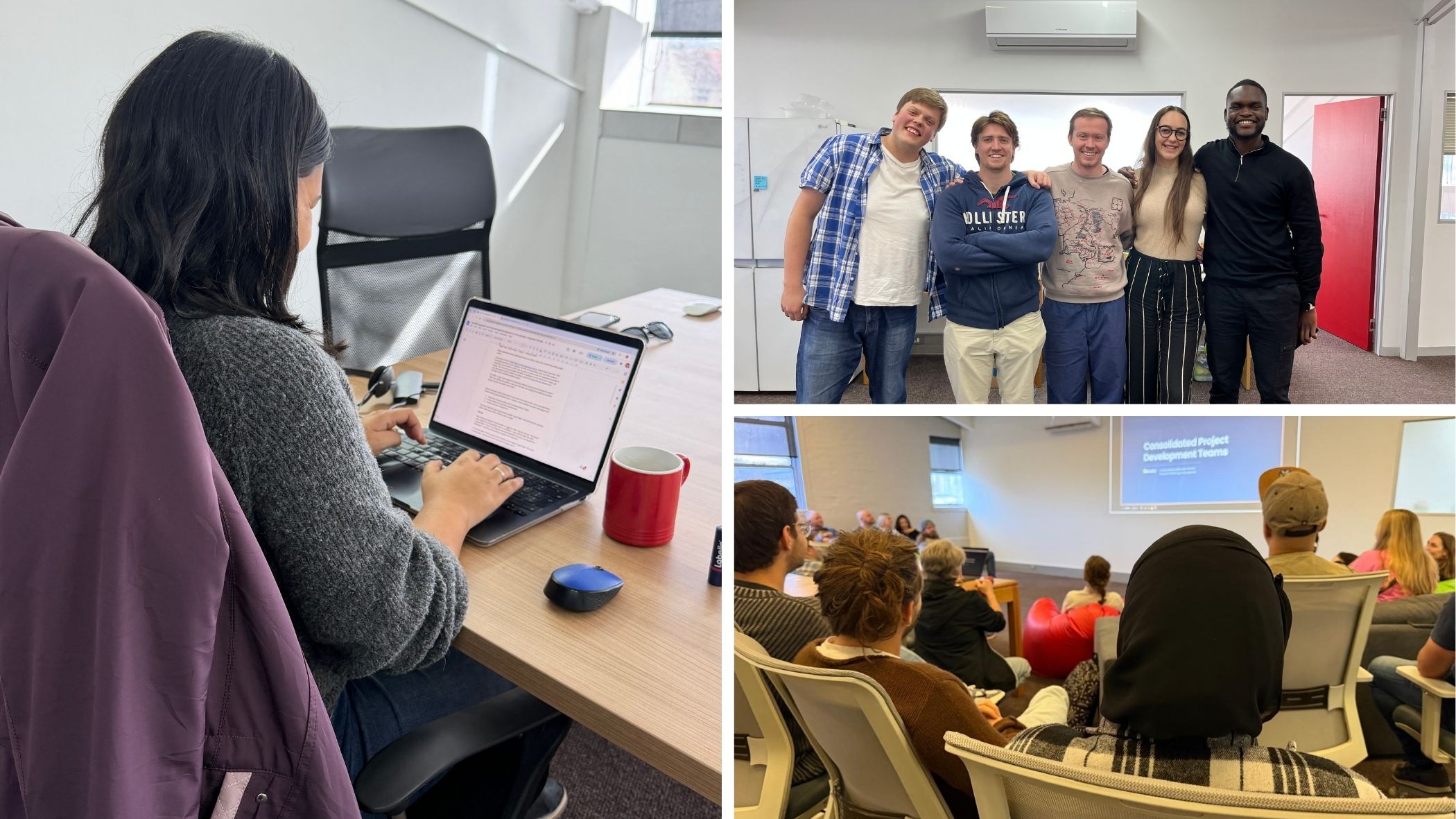
KRS recently graduated its first cohort of AI-native interns. Five now work as junior developers in the same review-heavy, TDD-led model the senior team uses. They’re not learning AI as an add-on to traditional development, but rather with AI as a baseline tool.
It’s worth being honest about the learning curve with AI. In the beginning, I’d find myself going down rabbit holes or stuck in loops. You can’t really teach someone how to use agents in a formal way. You get a feel for it over time. As the models have improved and I’ve gotten better at communicating with them, the friction is really low.
That feel takes time, and the best way to build it is to work alongside people who already have it.
The Mistake Most Developers Make With AI
The most common failure I see is treating AI as binary, either flawless or useless.
It’s not deterministic. Sometimes it’s wrong, but that doesn’t mean you write it off. You just keep adjusting and nudging it in the right direction. Compared to spending four hours stuck on a problem, what’s 15 minutes revising your prompt? It bugs me when developers say, “I tried to ask it to do this, and it failed, so AI is useless.”
Broad, undisciplined AI use doesn’t automatically translate to better outcomes. If teams really want to see and sustain real value, use AI where it works and stay close to the output.
Where AI-Accelerated Development Is Heading
The gap between teams that use AI well and those that use it poorly will widen, and the teams getting it right treat AI as an accelerator on top of a strong engineering discipline, not a replacement for it.
If you’re thinking about how to bring AI-accelerated development into your team without losing engineering rigour, we’d like to talk. Get in touch with KRS to find out how we work and what we could build together.